

DESKTOP Windows 10 · Windows 11 · macOS

GoPro Player Bring Your 360° Footage to Life

Play, Reframe, and Refine Your GoPro Videos

GoPro Player makes it easy to view, trim, and reframe compatible GoPro footage with intuitive editing controls. Transform 360° recordings into engaging videos, adjust perspectives with keyframes, and export your favorite moments for sharing and creative projects.

Freecore tools
8Kexport formats
HERO8+full stabilization
GX010442.MP4 · 5.3K · H.26500:01:24:07
Alpine sunrise clip open in the GoPro Player viewer with a reframe window REFRAME · KEYFRAME 3/5
HyperSmooth Pro 360 Reframe Batch export queue
  • H.264
  • H.265 / HEVC
  • Apple ProRes
  • CineForm
  • 5.6K 360
  • 8K
  • APMP for Vision Pro
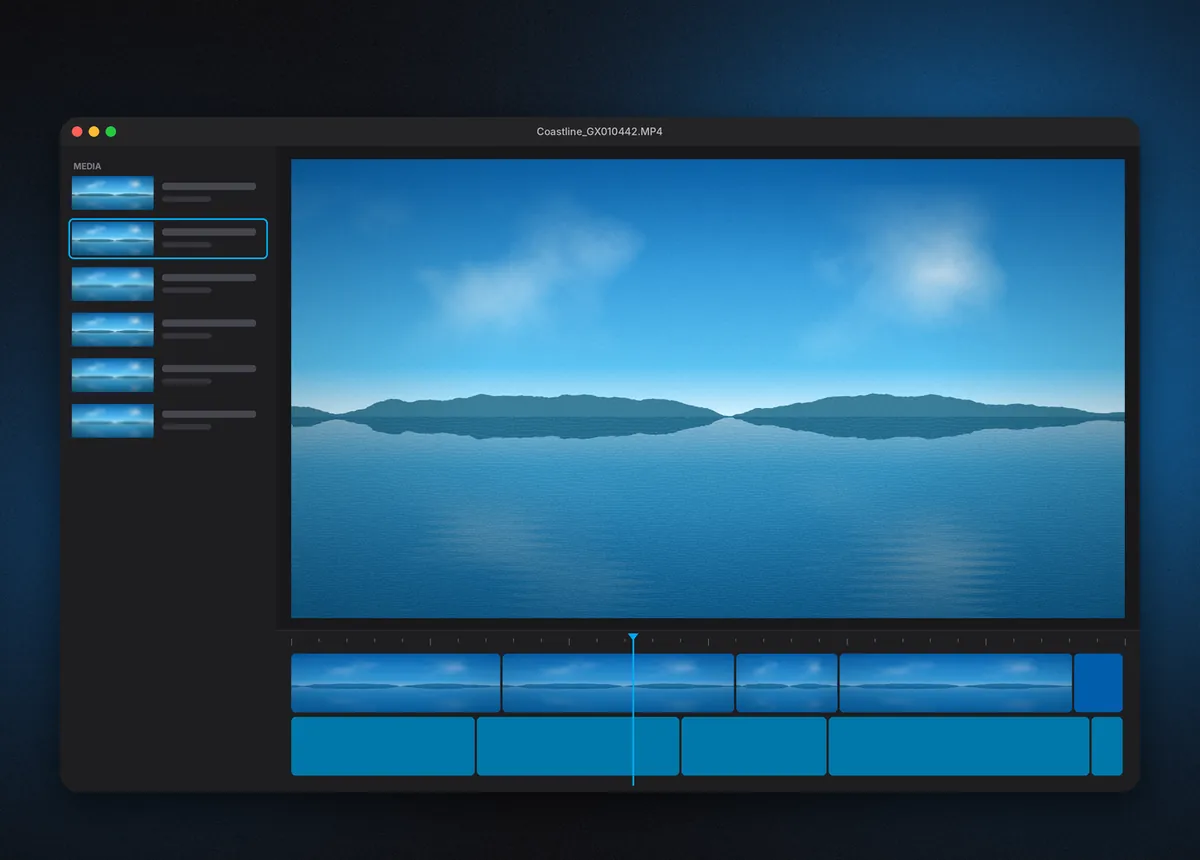
GoPro Player workspace with a media sidebar, coastline clip in the viewer and a two-track timeline

At a glance

Developer
GoPro, Inc.
Platforms
Windows · macOS
Core app
Free
Premium
HyperSmooth Pro
Distribution
Official app stores
What is GoPro Player

One desktop app for everything your GoPro records

GoPro Player is GoPro's own desktop application for Windows and macOS. It opens the files straight off your camera — traditional HERO video, 360 footage from MAX cameras, and photos — and gives you the tools that matter before a full edit: frame-accurate trimming, 360 reframing, full-resolution frame grabs, horizon leveling and export to formats that other editors read without complaint.

It began life as a viewer and exporter for MAX 360 files. In April 2022 GoPro merged it with ReelSteady, the gyro-based stabilization software it had acquired, and released GoPro Player + ReelSteady. That stabilization engine now carries the name HyperSmooth Pro, and it remains the one paid feature inside an otherwise free app.

  • 360
    Built for MAX footage

    Turns spherical .360 files into flat, shareable video with cinematic camera moves you place by keyframe.

  • GYRO
    Stabilization from sensor data

    Reads the gyroscope data your camera writes into each file and uses it to smooth shake after the fact.

  • OUT
    Exports editors accept

    H.264, H.265, ProRes and CineForm output, queued in batches so a whole card renders overnight.

Features

The toolkit inside GoPro Player

Each tool solves a specific problem action-camera footage creates — shake, fisheye curvature, a 360 sphere nobody can watch flat, and files too heavy for a quick share.

Premium

HyperSmooth Pro stabilization

The engine formerly sold as ReelSteady. It uses embedded gyro data to remove jitter beyond what in-camera HyperSmooth can manage, and shows the stabilized result in real time during playback — no render required to judge it.


Reframe 360 into cinematic video

Pick any direction inside a MAX clip, drop keyframes, and Player animates the virtual camera between them. One 360 recording becomes several flat shots with pans, whip transitions and tiny-planet moments.

Batch export

Queue hundreds of clips, save presets and assign different settings per job.

Frame-accurate trim

Cut dead air at the exact frame before export, so files stay lean.

Frame Grab

Save a full-resolution still from any frame of traditional or 360 video.

Horizon Leveling

Apply leveling in post when you forgot to switch it on while riding.

Premium

Lens correction

Straightens wide-angle curvature as part of the HyperSmooth Pro pass.

Apple Projected Media Profile export

Version 3.3 and newer can export 2D and 360 footage with APMP, so clips play back on Apple Vision Pro with the wide GoPro field of view projected correctly. It requires macOS 26 and visionOS 26.

A player that understands GoPro files

Reads HEVC, ProRes, CineForm, 360 and 8K files plus the camera metadata generic players ignore.

How it works

From SD card to finished file in four passes

Player is not a timeline editor in the Premiere or Resolve sense. It is the step before one — the place where raw camera files become clean, stable, correctly framed clips.

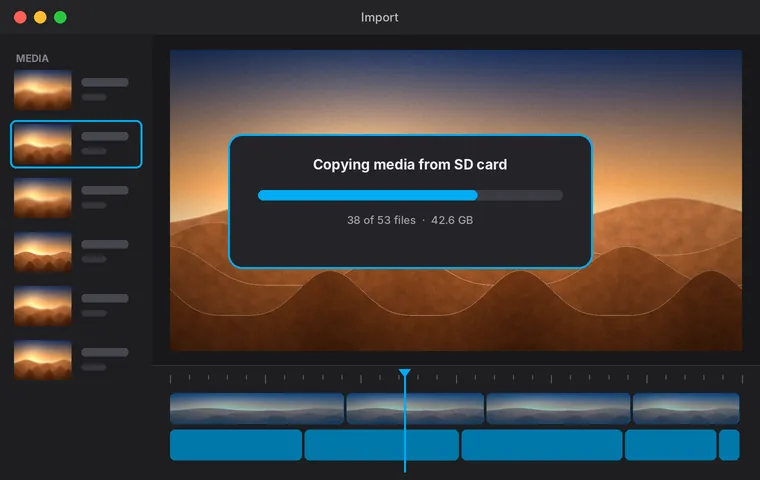
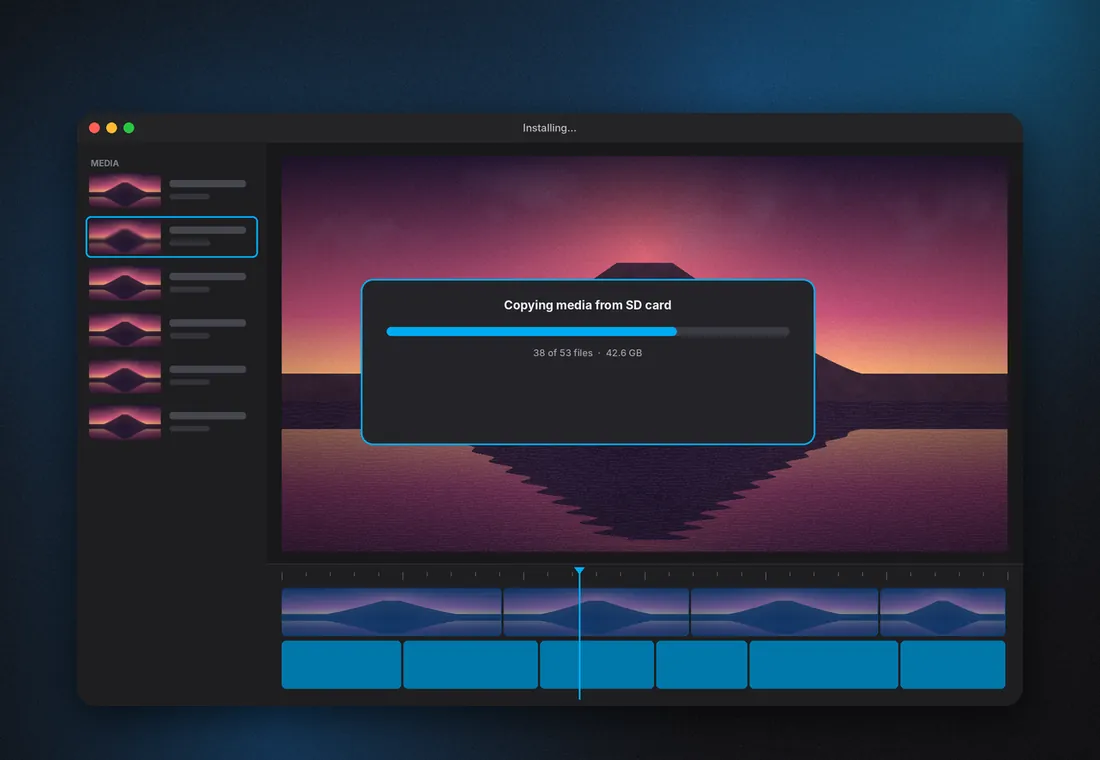
Import dialog copying GoPro clips from an SD card

Load your media

Copy clips from the SD card or open them in place. Player reads the camera model, lens mode and gyro data from each file automatically.

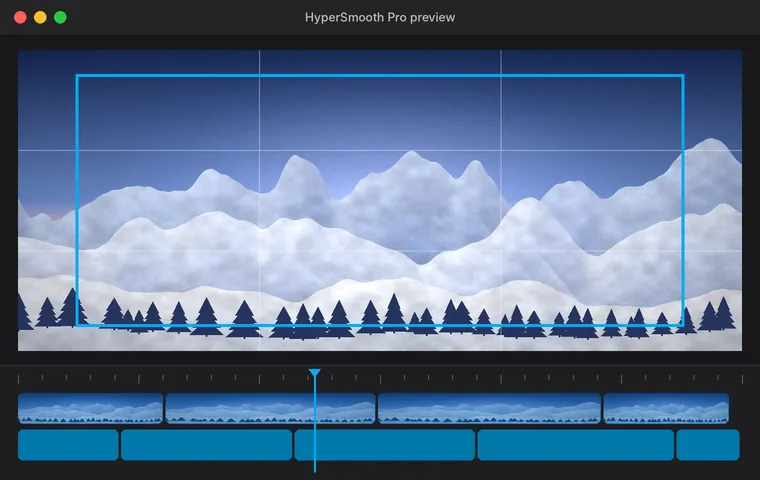
HyperSmooth Pro preview with crop guide and rule-of-thirds grid

Stabilize & correct

Switch on HyperSmooth Pro, adjust smoothness and crop, add lens correction or horizon leveling, and watch the result play back live.

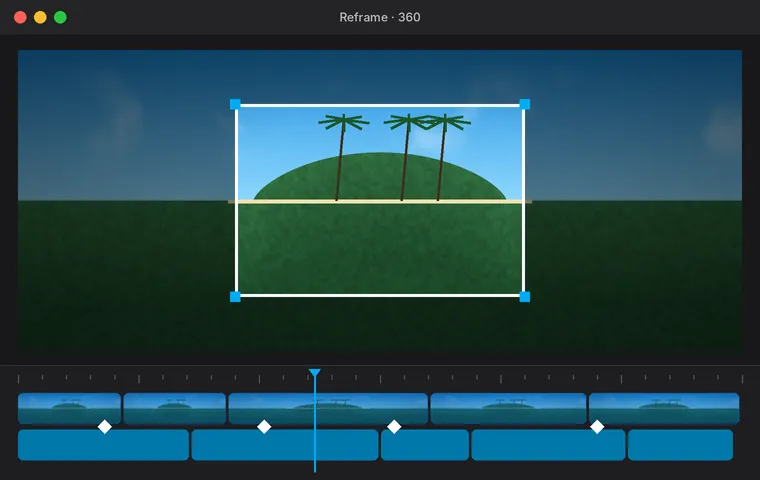
360 reframe view with a framing window and keyframe diamonds on the timeline

Reframe & trim

For MAX clips, set the view with keyframes. For any clip, trim in and out points frame by frame and grab stills.

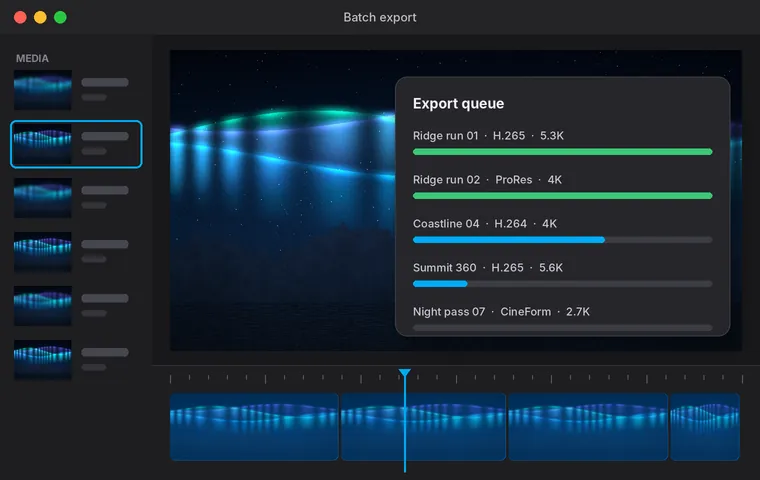
Batch export queue showing five jobs in different codecs

Queue the export

Choose codec, resolution and bitrate, save a preset, and let the batch queue render while you step away.

Installation

Installing GoPro Player on your computer

GoPro distributes Player through the official app stores, which keeps installation, signing and updates in one place. Pick your system:

  1. Open the Microsoft Store listingUse the download button on this page — it goes straight to GoPro, Inc.'s official listing.
  2. Select Get or InstallSign in with a Microsoft account if prompted. The Store handles the download and verification.
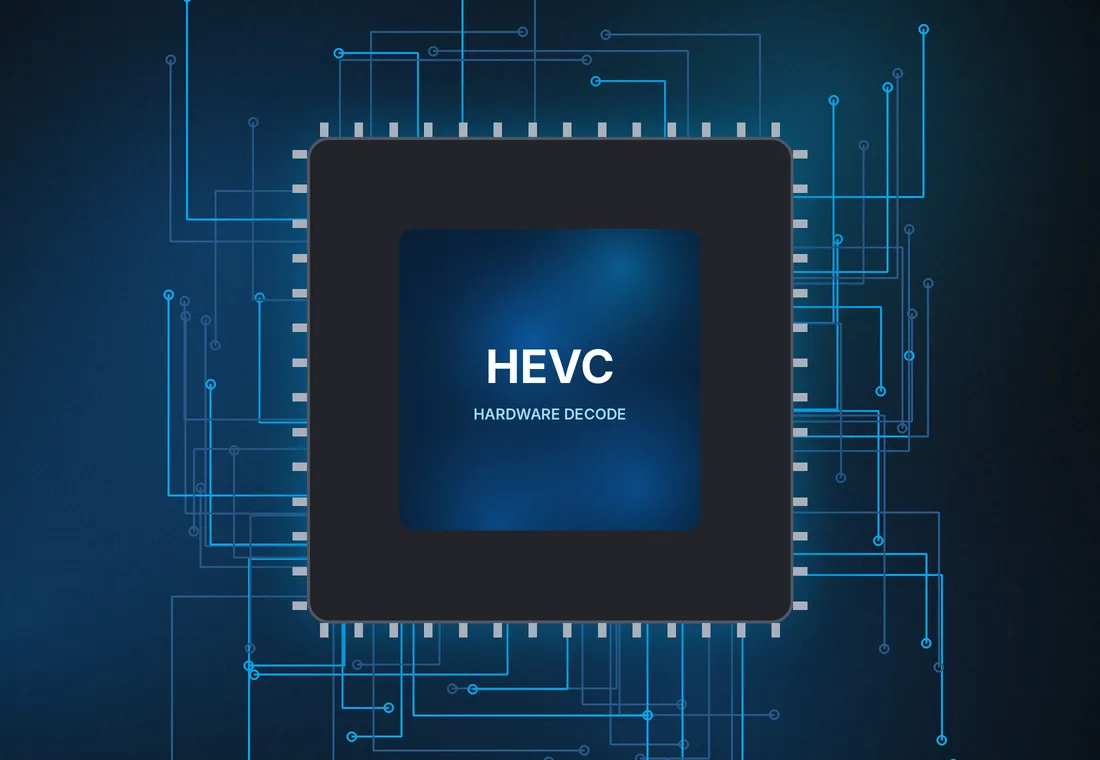
  3. Check HEVC supportMost GoPro footage is H.265. If clips will not open, your PC needs HEVC decoding from the GPU or the HEVC Video Extensions.
  4. Launch from StartSearch "GoPro Player", pin it, then drag a clip into the window to confirm playback.

HyperSmooth Pro is unlocked inside the app, through the store's own in-app purchase flow or an eligible GoPro subscription. You never need a separate installer or license file from a third-party site.

GoPro Player first launch on desktop with a media copy progress window
Use cases

Where GoPro Player earns its place

The people who keep Player installed tend to share one thing: footage that looks very different raw than it felt in the moment.

Red rock canyon with a river seen from a low FPV flight line
FPV & drones

Glass-smooth flight lines

Prop vibration and aggressive rolls are exactly what gyro stabilization was built for. Pilots fly with in-camera stabilization off and fix it in Player.

Open ocean with rolling white foam lines under a clear sky
Water sports

Level horizons at sea

Horizon leveling and stabilization rescue board-mounted and handheld surf clips where the sea line tilts every second.

Dirt trail winding through layered pine forest
Mountain biking

Chest-mount trail runs

Trim the climbs, keep the descents, and smooth root-garden chatter before cutting a ride edit.

Night city skyline wrapped into a tiny-planet 360 projection
360 travel

One take, many angles

Record a city walk on a MAX camera once, then reframe it into front, selfie and tiny-planet shots at home.

Download

GoPro Player download

Get the official build for Windows from the Microsoft Store, or for Mac from the Mac App Store. Both are published by GoPro, Inc., update automatically and include the free core tools.

Free · in-app purchaseWindows 10 or latermacOS 10.14 or laterPublisher: GoPro, Inc.
Download for Windows Download for Mac Opens the official store listing
Compatibility & comparison

Camera support and how Player compares

Stabilization support depends on the camera that recorded the clip. Playback, trimming and export work across GoPro HERO and MAX cameras.

HyperSmooth Pro camera support

CameraStabilizationCapture note
HERO13, HERO12, HERO11, HERO11 MiniAll video modesHyperSmooth may be on
HERO10, HERO9, HERO8All video modesHyperSmooth may be on
HERO7, HERO6, HERO2018Limited modesEIS / HyperSmooth must be off
HERO5, HERO5 SessionLimited modesEIS must be off
MAX-series 360Not for 360Use reframe & World Lock

GoPro Player vs other ways to open footage

CapabilityGoPro PlayerGoPro Quik (mobile)Generic media player
Gyro-based stabilizationHyperSmooth Pro——
360 reframe with keyframesYesYesView only
ProRes / CineForm exportYes——
Batch export queueYes——
Runs onWindows · macOSAndroid · iOSVaries
Troubleshooting

Fixes for the problems people actually hit

Almost every GoPro Player issue traces back to one of three things: codec support, the camera mode a clip was shot in, or hardware headroom.

PLAYBACKClips open with sound but a black picture

The file is almost certainly H.265 (HEVC) and your system cannot decode it.

  • Update your graphics driver from the GPU maker, not only Windows Update.
  • On Windows, confirm HEVC Video Extensions are installed.
  • Older integrated graphics without HEVC decoding cannot play these files smoothly at all.
STABILIZATIONHyperSmooth Pro is greyed out for a clip

Check the source. 360 footage is not supported. HERO5–HERO7 and HERO2018 clips must be shot with EIS/HyperSmooth off. TimeWarp, Time Lapse and HERO10/HERO11 Tripod mode clips are also excluded.

PERFORMANCEStabilized playback stutters

Real-time stabilization is demanding. Close other GPU-heavy apps, plug laptops into power, and use a high-performance power plan. Stutter during preview does not affect the exported file.

EXPORTExport finishes at a lower resolution than expected

Player exports at the recorded resolution or lower — it does not upscale. Heavy stabilization crop also reduces the usable frame, so check the crop setting before blaming the preset.

PURCHASEThe premium unlock does not appear

Sign in with the same store account used to buy it and use the app's restore option. If you unlock through a GoPro subscription, sign in with that GoPro account inside Player.

360MAX footage keeps rotating while I scrub

That is World Lock or its absence. Toggle World Lock in the reframe tools to fix the orientation and minimize rotation, then set keyframes for intentional camera moves.

FILESPlayer cannot see clips on an SD card (Mac)

Open System Settings → Privacy & Security → Files and Folders, and allow GoPro Player access to removable volumes. Then reopen the card.

INSTALLMicrosoft Store download stalls at 0%

Sign out and back into the Store, run the Windows Store Apps troubleshooter, and confirm the date and time are set automatically. A pending Windows update can also block Store installs.

System requirements

What your computer needs

GoPro's published minimums are short. The practical bar is higher, because 5.3K HEVC and real-time stabilization lean hard on the graphics hardware.

Illustration of a processor with an HEVC hardware decode block

Minimum (official)

  • WindowsWindows 10 or later
  • macOS10.14 Mojave or later
  • GraphicsSupports HEVC decoding
  • CamerasGoPro HERO & MAX
  • APMP exportPlayer 3.3+, macOS 26

Comfortable (our view)

  • ProcessorRecent 6-core or Apple silicon
  • Memory16 GB RAM
  • GraphicsDedicated GPU or Apple M-series
  • StorageFast SSD with room for exports
  • Display1920×1080 or higher
Safety

Is GoPro Player safe to install?

Yes — when it comes from the official store listings. Repackaged installers on download portals are the real risk, not the app itself.

Store-signed builds

Microsoft Store and Mac App Store versions are reviewed, signed and tied to GoPro, Inc. as publisher.

No "cracked" unlocks

Patched builds promising free HyperSmooth Pro are a common malware route. The only legitimate unlock happens inside the app.

Local processing

Playback, stabilization and export run on your own machine; footage does not need to be uploaded to use the tools.

Automatic updates

Store distribution means camera support and fixes arrive without hunting for new installers.

Pros & cons

An honest verdict

What works well

  • Free core toolset — playback, reframe, trim, frame grab and export cost nothing.
  • Stabilization you can preview live — no test renders to judge settings.
  • Pro-grade codecs — ProRes and CineForm output drops cleanly into any NLE.
  • Batch queue with presets — a full SD card exports unattended.
  • Made by GoPro — camera support tracks new HERO and MAX releases.

What to weigh

  • Stabilization is paid — HyperSmooth Pro needs a purchase or Premium+.
  • Hardware hungry — modest laptops struggle with real-time 5.3K stabilization.
  • Not a full editor — no multitrack timeline, titles or music.
  • No 360 HyperSmooth Pro — MAX clips rely on World Lock instead.
  • Desktop only — no Android or browser version of this app.
FAQs

Questions before you install

Straight answers about price, platforms and the ReelSteady name change.

10

common questions answered

Is GoPro Player free?

Yes. Playback, 360 reframing, trimming, frame grabs, horizon leveling and export are free. HyperSmooth Pro stabilization and lens correction are premium features that require an in-app purchase or an eligible GoPro subscription.

What is the GoPro Player price for HyperSmooth Pro?

When GoPro Player + ReelSteady launched in April 2022, premium features were a $99.99 one-time in-app purchase. In 2024 GoPro also included HyperSmooth Pro in its GoPro Premium+ subscription, launched at $99.99 per year. Regional prices vary, so check the store listing for the current figure.

Is GoPro Player the same as ReelSteady?

ReelSteady was standalone stabilization software that GoPro acquired and folded into GoPro Player in 2022. The stabilization engine inside Player is now called HyperSmooth Pro.

Does GoPro Player work on Windows 11?

Yes. GoPro Player for Windows 11 installs from the Microsoft Store just like on Windows 10, which is the minimum supported version. HEVC decoding support is the main thing to confirm.

Can I use GoPro Player for PC without the Microsoft Store?

The Microsoft Store listing is GoPro's official Windows distribution. Installers from third-party mirrors are not maintained by GoPro and are not recommended.

Is there GoPro Player for Android?

No. GoPro Player is a desktop app for Windows and macOS. On Android and iOS, GoPro's mobile app is Quik, which handles transfer, editing and 360 reframing on a phone.

Can I use GoPro Player online in a browser?

There is no browser version of GoPro Player. Stabilization and 4K-plus export run locally on your computer's hardware.

Which cameras does HyperSmooth Pro support?

HERO8 through HERO13, including HERO11 Mini, in all video modes. HERO7, HERO6, HERO2018, HERO5 and HERO5 Session are supported only when EIS and HyperSmooth were off during recording.

Do I need to render to see stabilized footage?

No. HyperSmooth Pro applies during playback, so you can judge the full-quality result immediately and export only when you are happy.

Can GoPro Player export for Apple Vision Pro?

Yes. Player 3.3 or newer can export 2D and 360 footage using Apple Projected Media Profile. It requires macOS 26 and visionOS 26.